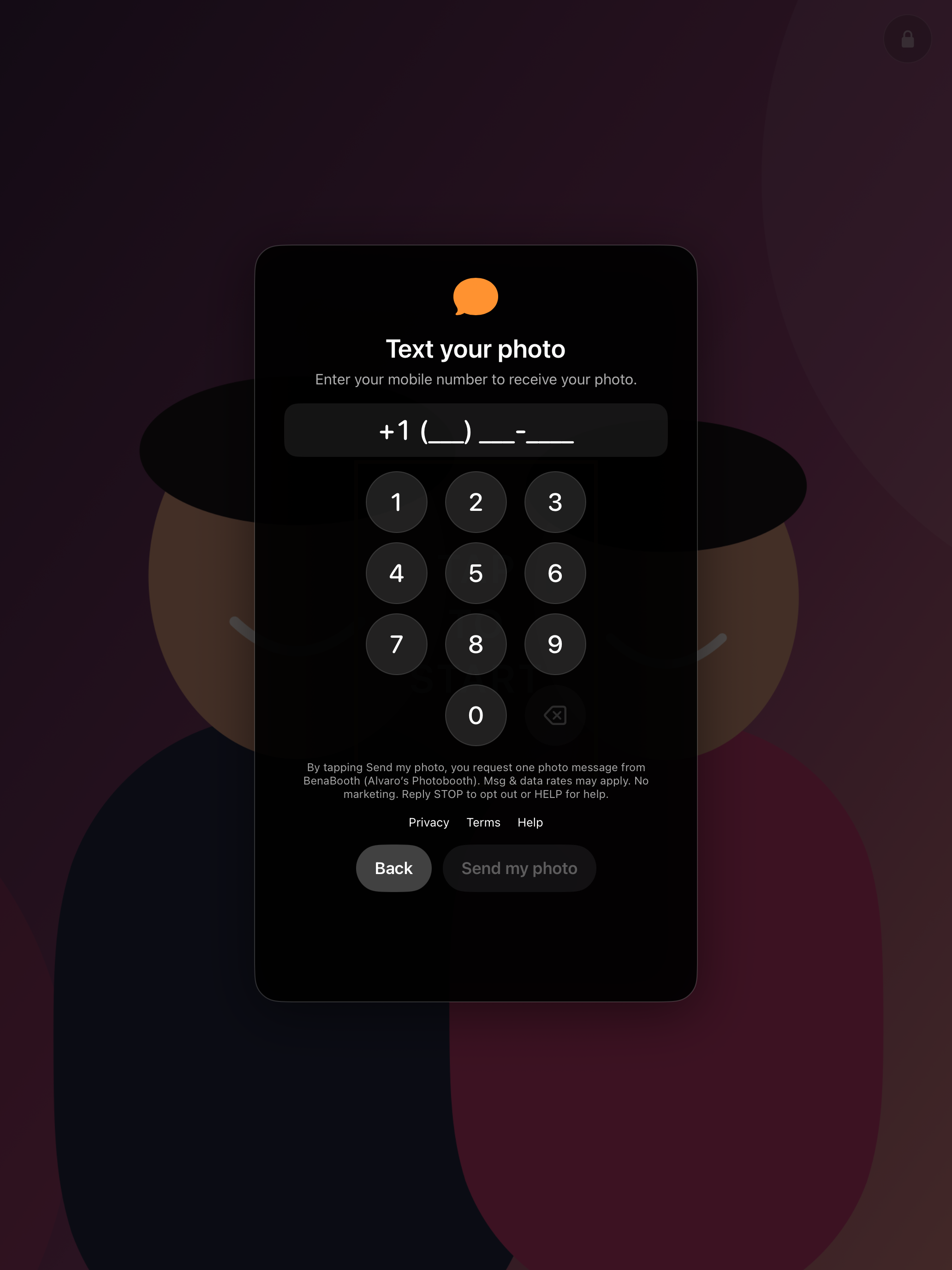
BenaBooth iPad consent
How guests request a text
Guests request delivery in person on the BenaBooth iPad after reviewing their photo. The request is optional.
- Tap Text me this photo from the photo review.
- Enter your own U.S. mobile number. The screen shows what the request does and links to Privacy, Terms, and Help.
- Tap Send my photo to request one picture message, or Back to return to review.